autonoMEgo
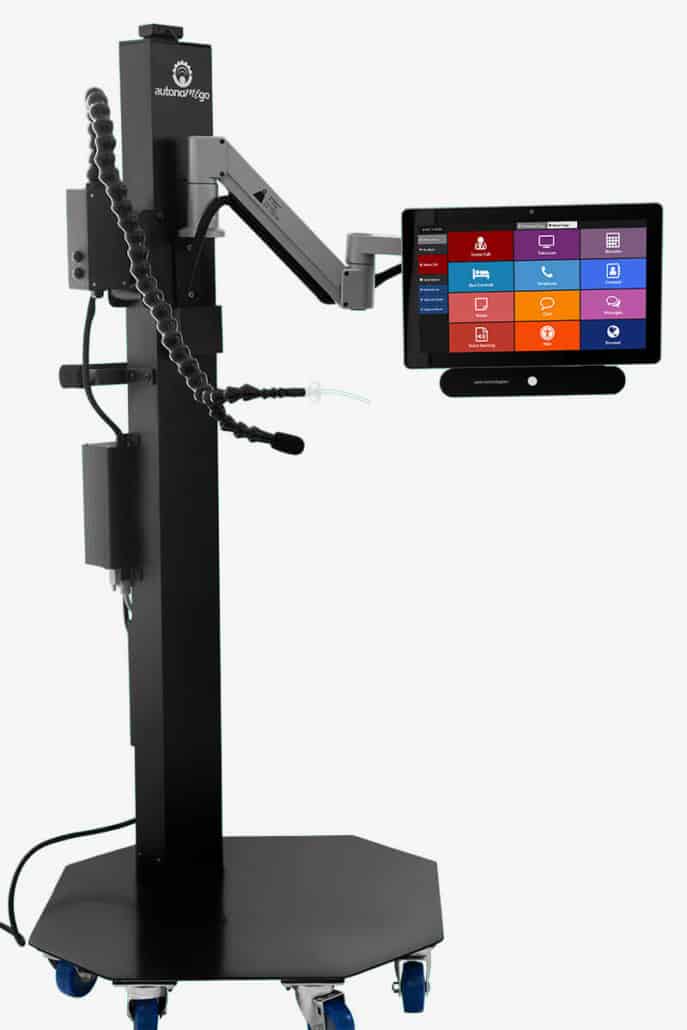
The autonoMEGo is a portable ECU with the ability to move from one room to another. It offers patients an enhanced experience by giving them control of their environment.
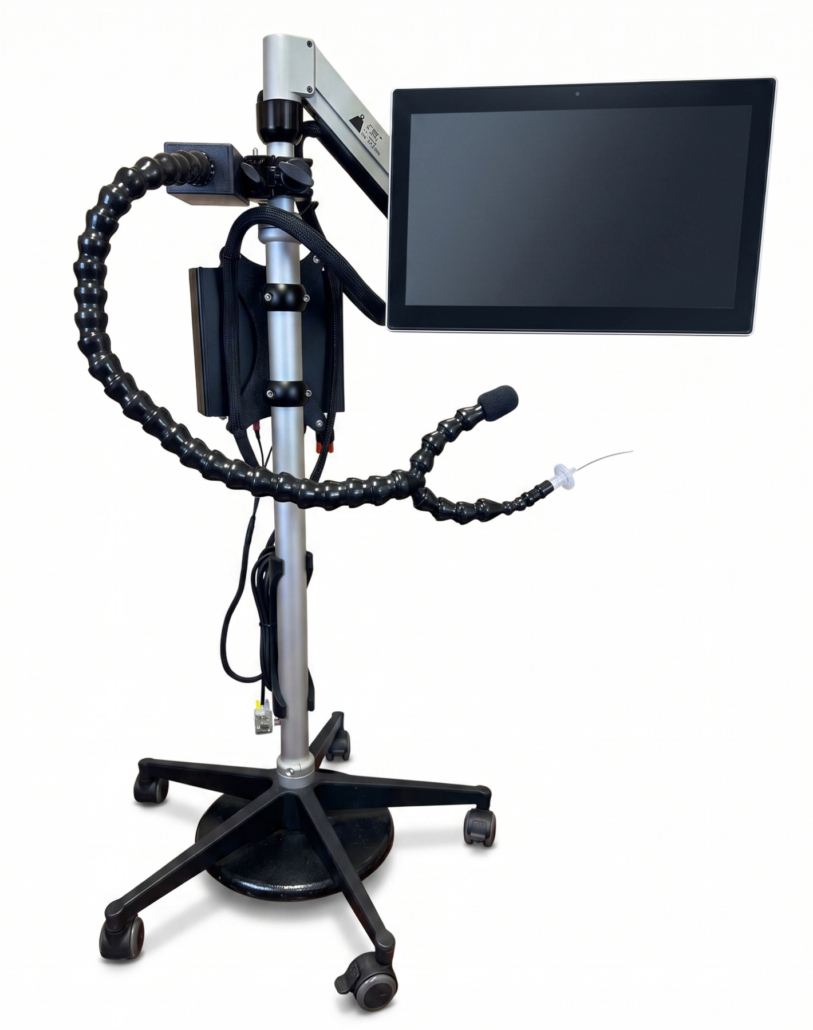
The autonoMEGo is a mobile ECU with the ability to move from one room to another. This portable package consists of a high-end integrated display and select environmental control accessories.
You’ll receive our professional installation service by an experienced Accessibility Services technician. The autonoMEgo is the first of its kind to integrate both comprehensive ECU and SGD technology in a single portable package.
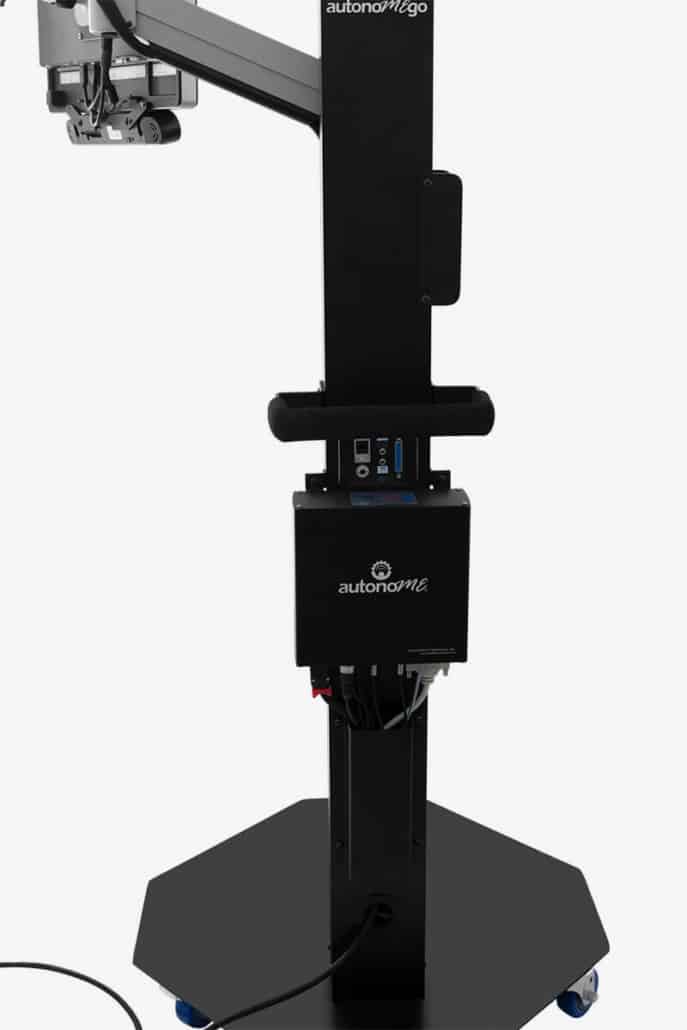
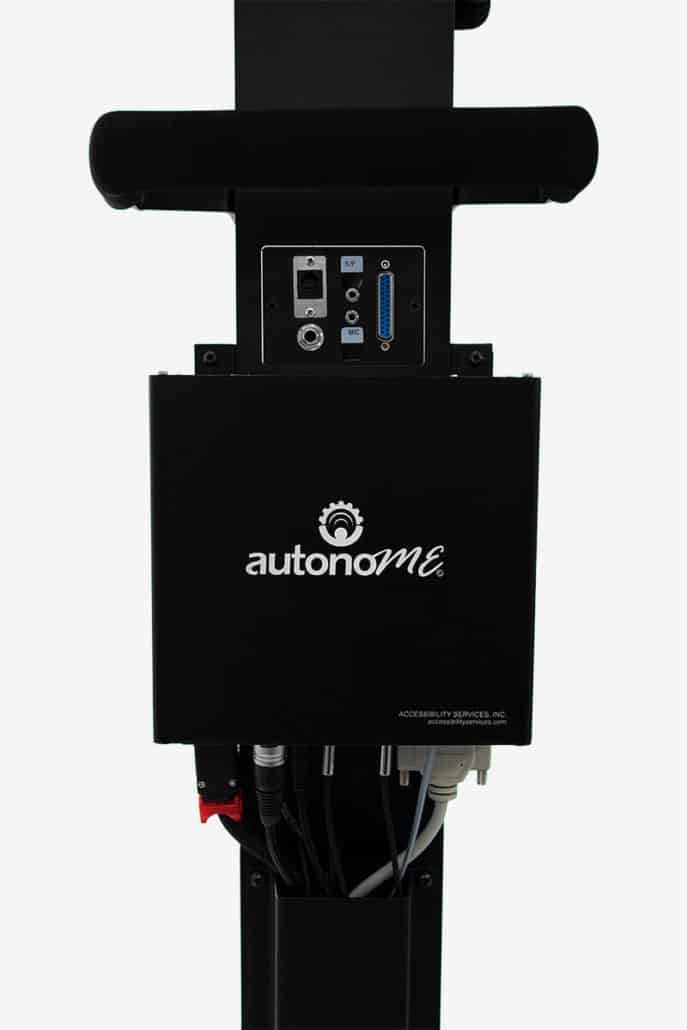
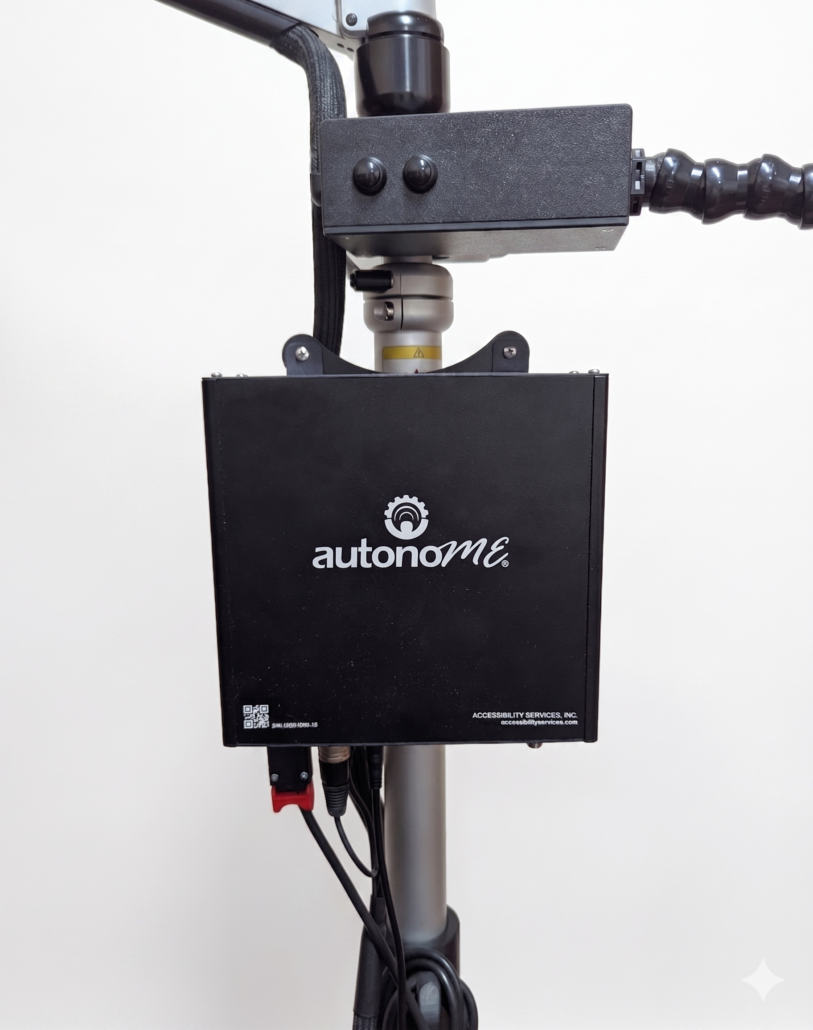
Microphone and sip/puff input device | Interface cables for bed, telephone and nurse call | Two (2) year warranty | Remote log-in assistance | User and troubleshooting guide | Assembly and training available
Hospital bed, light, television, alert chime, telephone and more
YouTube, Web Browser, Games, Notes
AAC for non-verbal patients: chat keyboard w/ word prediction, pre-stored messages and Pain Chart
What is the autonoMEGO?
The autonoMEGO is a portable environmental control and communication system. It combines speech generation, computer access, and controls for hospital room equipment into one unit on a mobile cart with an articulating arm. Staff may move the system between patient rooms as needs change.
How is the autonoMEGO different from the autonoME Hospital system?
The autonoME Hospital system is designed for fixed or semi-permanent installation in individual rooms, often with options for built-in or paired television displays. The autonoMEGO is built as a mobile unit so it may be relocated easily between rooms or shared across patients. Both systems use the same core autonoME software for controls, computing, and communication.
What can patients control with the autonoMEGO?
Patients can manage routine aspects of their environment and communicate without assistance for everyday needs. This includes:
All features work through the same input method the patient uses.
What input methods can patients use?
Staff configure the input method to match each patient’s physical abilities. Options include:
The selected input method works across room controls, television, communication, and apps.
Can staff customize the system for each patient?
Yes. Clinical staff use the Admin Panel to tailor settings. Options include selecting which apps appear on the main screen, adjusting scan speeds and dwell times, setting bed movement timing for safety, training voice recognition to the patient’s voice, and using the Delete User function to clear all previous settings before a new patient uses the system.
What communication features does the autonoMEGO include?
The system functions as a full speech generating device with these tools:
Which hospital beds and room equipment are compatible?
The autonoMEGO works with major hospital bed brands including Stryker, Hill-Rom, Invacare, Umano, Joerns, VersaCare, Sizewise, Span-America, Centrella, and Basic American. It connects to nurse call systems, beds, televisions, telephones, and lighting through included interface cables. Accessibility Services, Inc. can assess compatibility for other equipment and provide a solution if needed.
What is included with the autonoMEGO?
Each package includes a medical-grade all-in-one touchscreen computer, mobile articulating arm mount, microphone and sip-and-puff device, interface cables, two-year warranty, remote technical support, user guides, and professional on-site installation plus staff training by Accessibility Services, Inc. technicians.
How is the system installed?
Accessibility Services, Inc. sends a trained technician to assemble the mobile unit, connect cables to room equipment, configure software, test all functions, and provide hands-on training for nursing and therapy staff. The mobile design means installation does not require permanent room modifications.
How does the autonoMEGO affect staff workload?
Patients who adjust their own bed, lights, and television make fewer routine, non-clinical calls, which frees staff for clinical care and rehabilitation. The Admin Panel makes it simple for staff to reset the system between patients.
Is a demonstration available?
Yes. Accessibility Services, Inc. offers free in-person demonstrations at your facility and virtual sessions. To schedule, call 800-933-8400 or request a consultation through the contact page.
Ready to set up a complimentary demonstration and consultation?