In-House Development Makes All the Difference

autonome

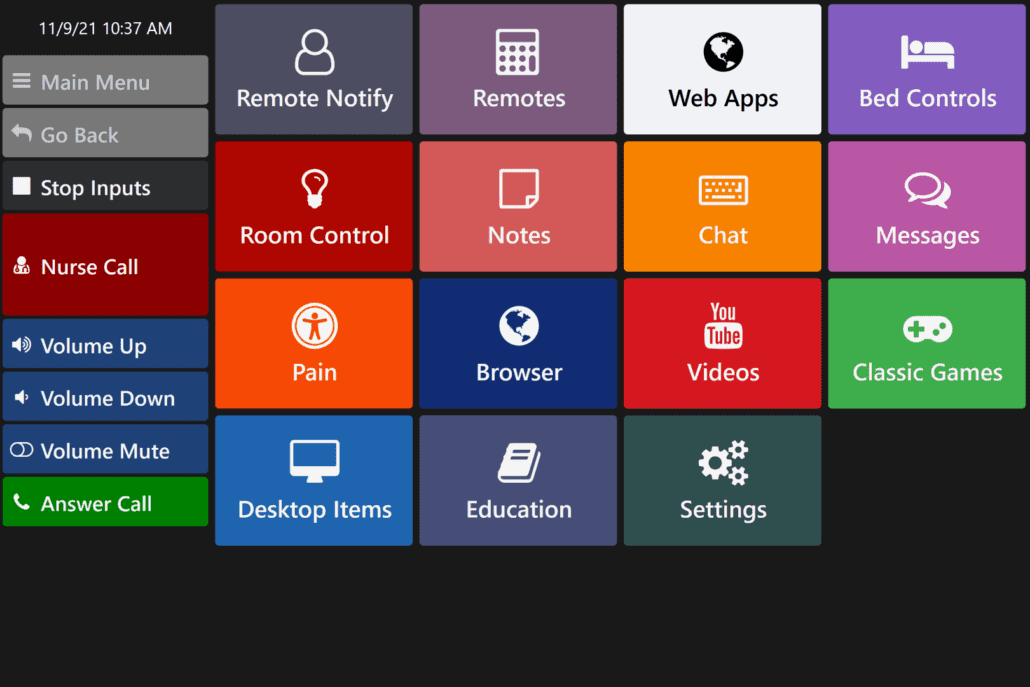
After decades of experience in the medical equipment and supply industry, our team at Accessibility Services saw gaps in care for individuals with progressive diseases and spinal cord injuries and disorders. We decided, as a company, to expand our focus and serve the community by finding solutions and developing software to support people with severe disabilities as they continue their journey, assisting them to achieve maximum independence through transitional technology. Our in-house engineering and software development team created the autonoME software (available for both hospital and residential settings), to give users, caregivers, and therapists peace-of-mind through the use of one device, seamlessly integrating AAC, ECU, television, and a computer. The goal of the autonoME software is to keep users engaged, independent, and confident as they control their environment, navigate accessible apps and web browsers, and communicate with family, friends, therapists, and caregivers.

Popular Features

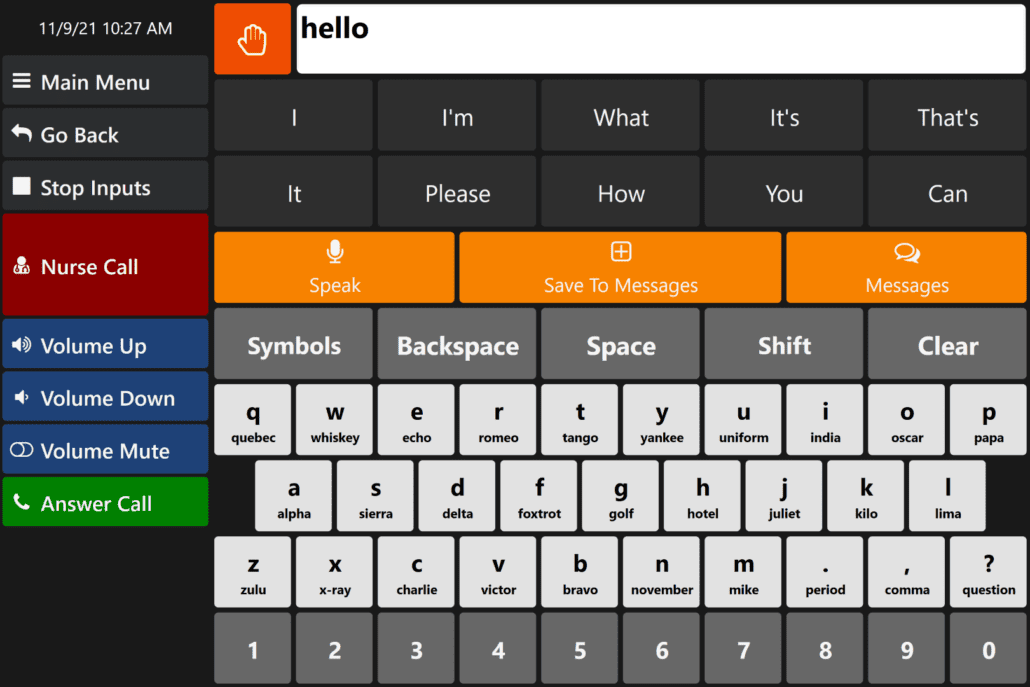
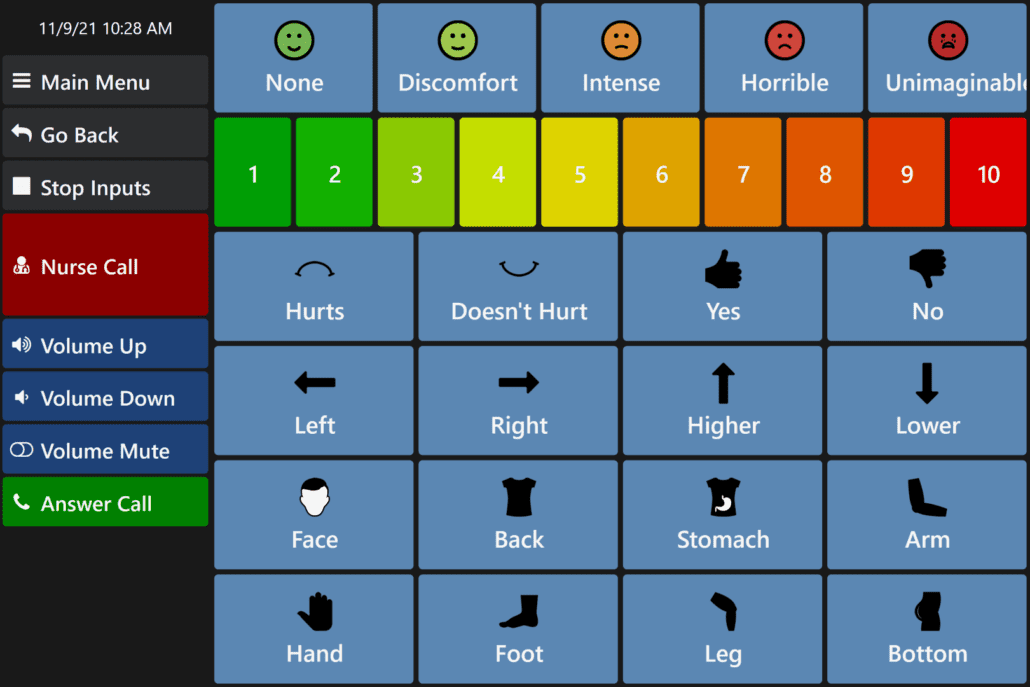
  • Alternative and Augmentative Communication Option (AAC)

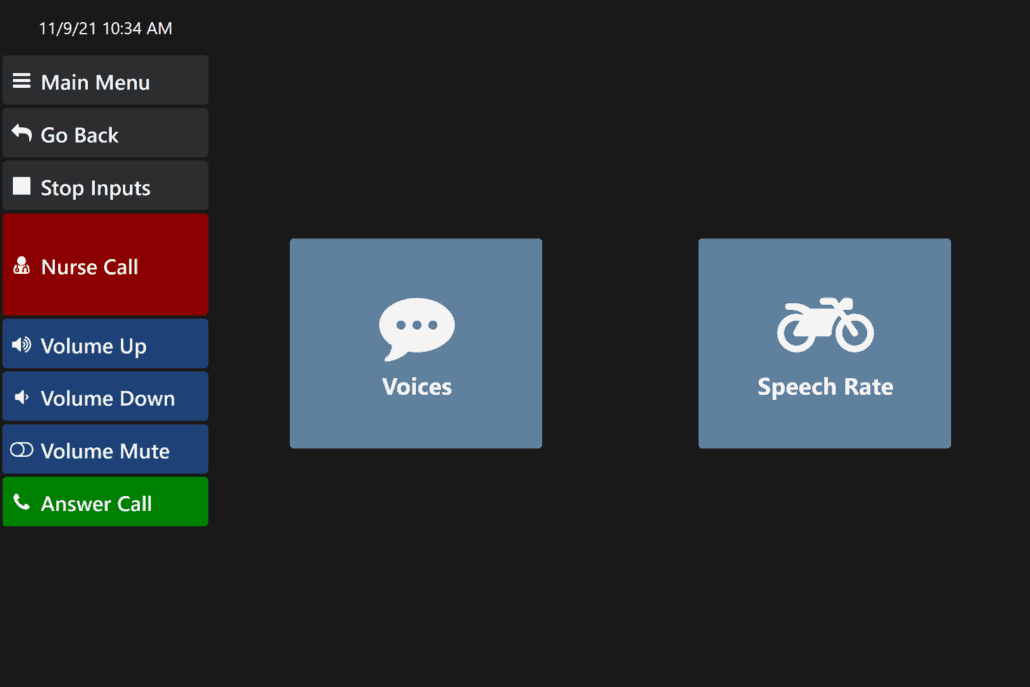
    Chat with word prediction and efficiently communicate with loved ones, physicians, therapists, and caregivers with quick reference messages and customizable speech rates.

  • Environmental Control Features

    Bed, television, fan, thermostat, lights, alert chime, door opener, and more.

  • Web Apps and Games

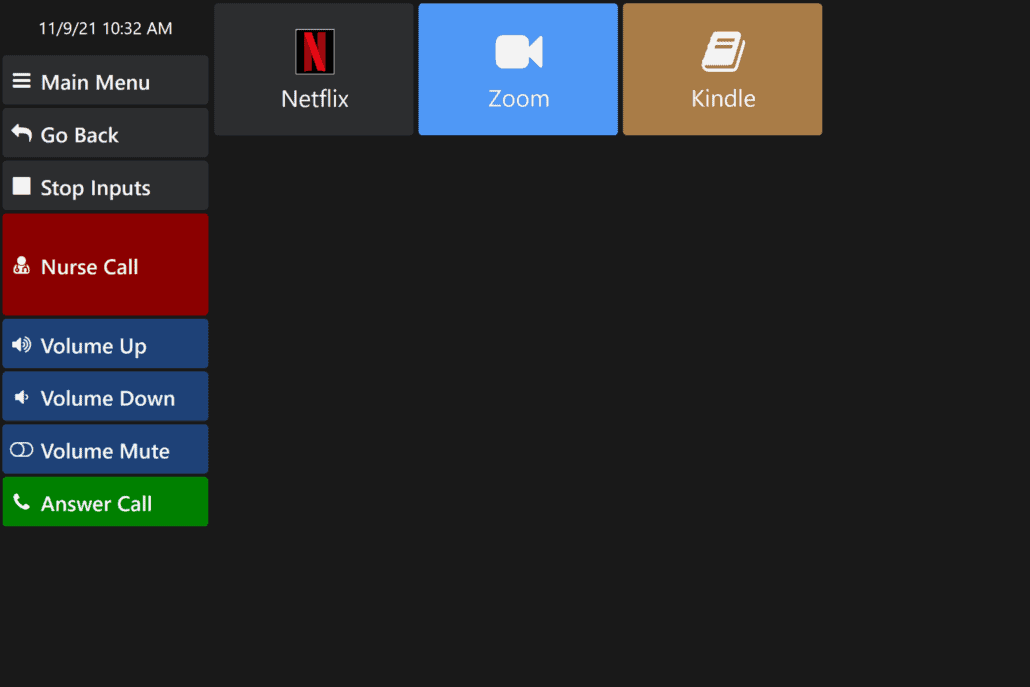
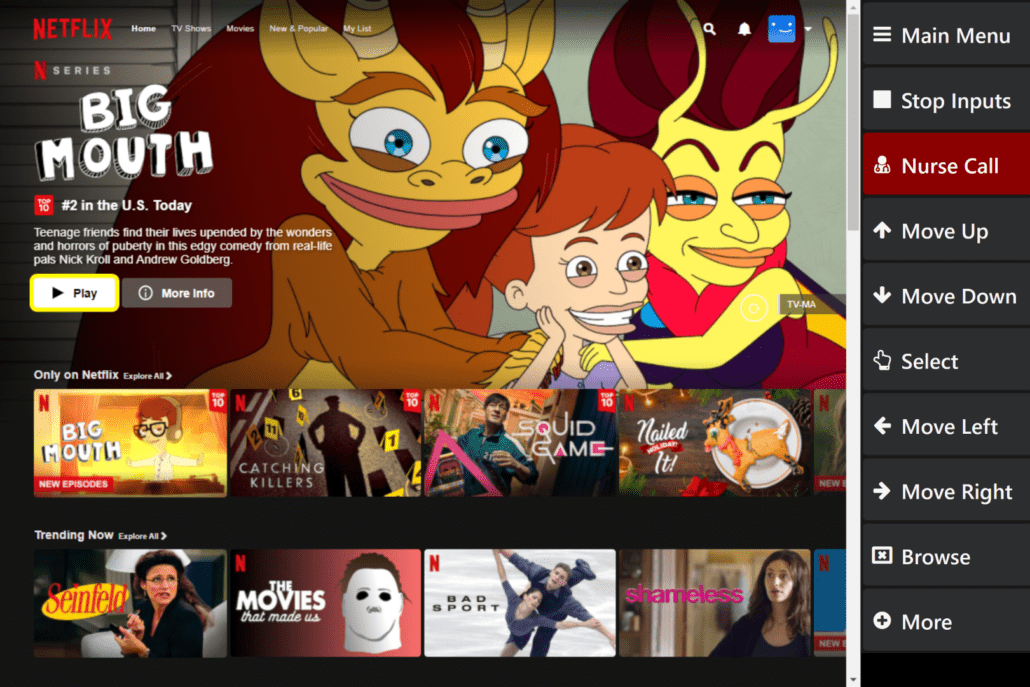
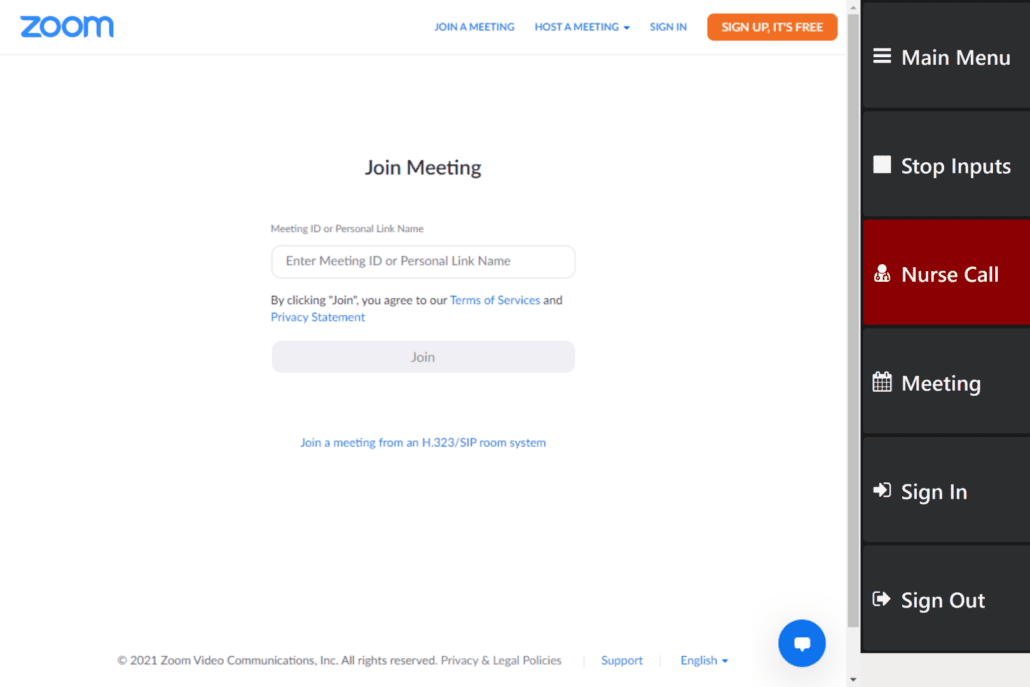
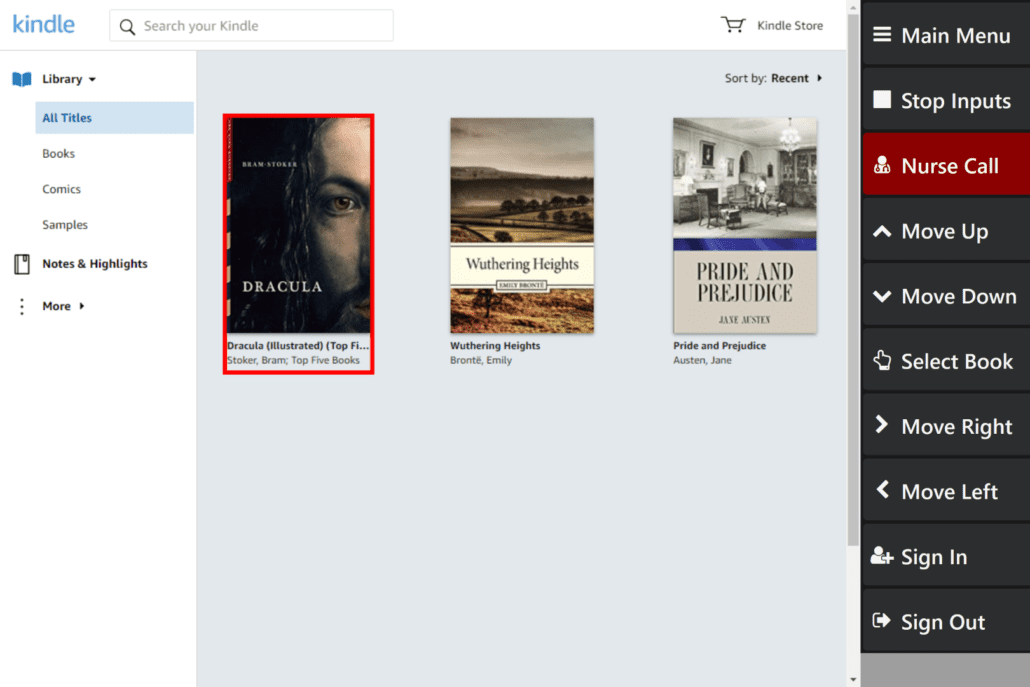
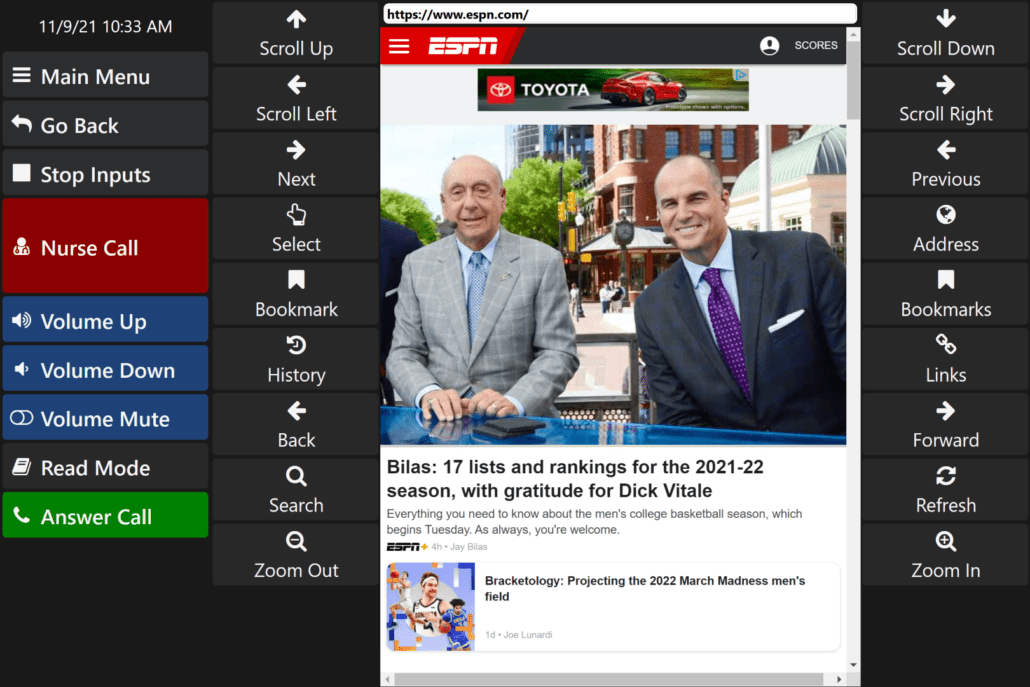
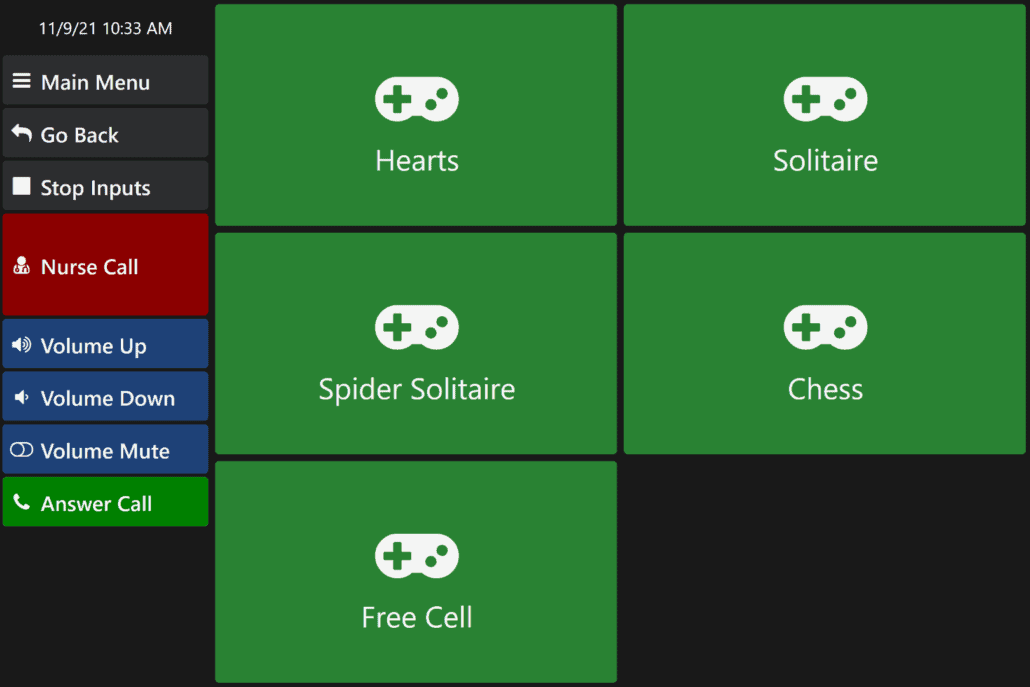
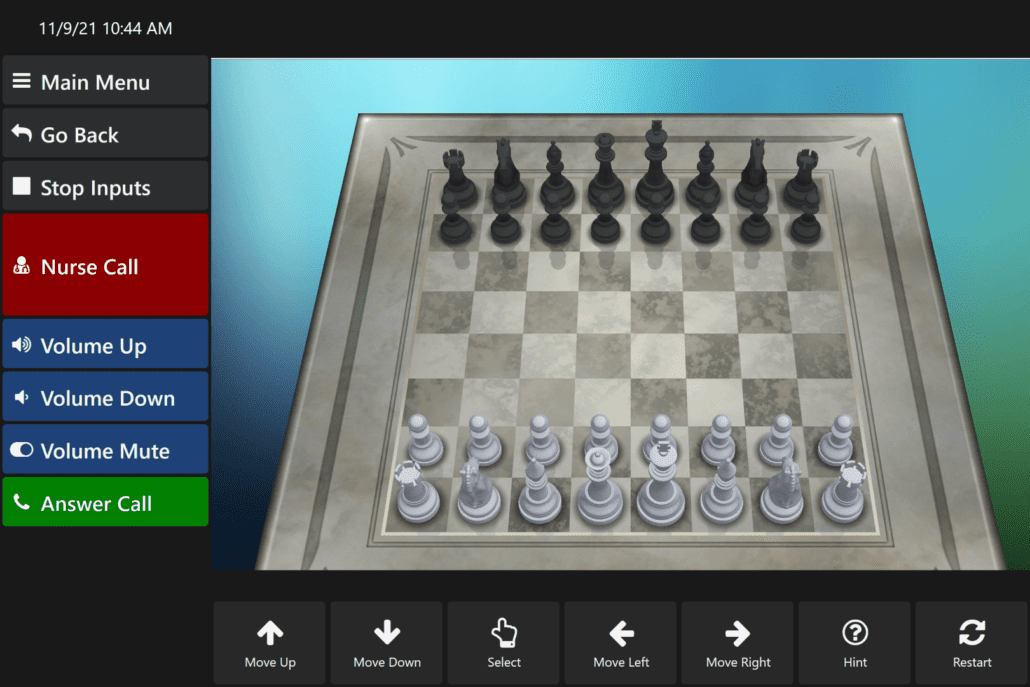
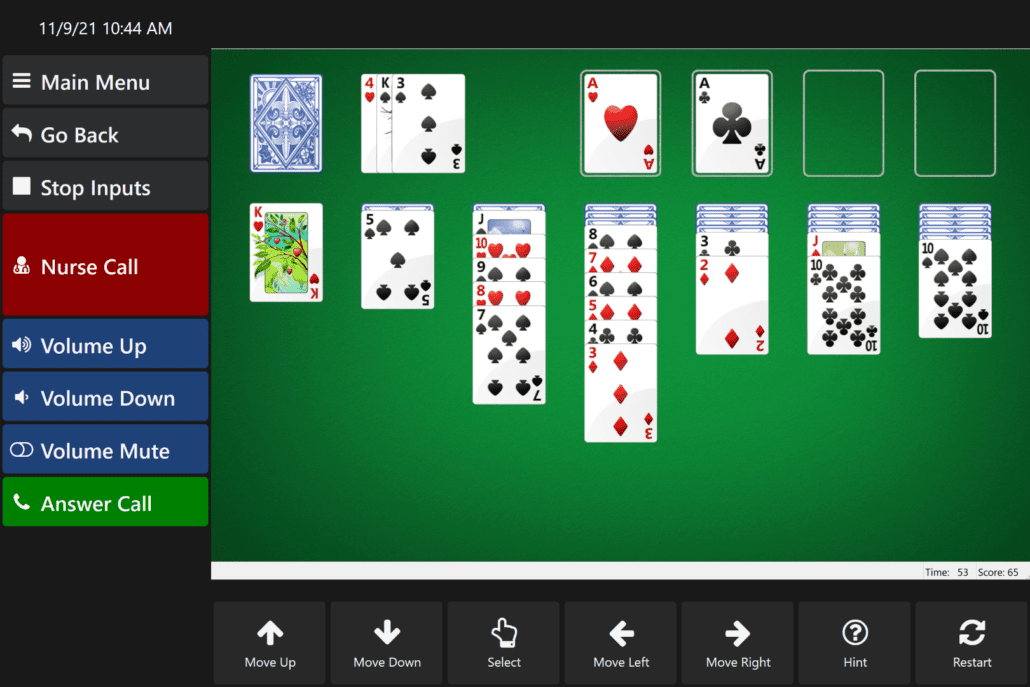
    Netflix, Zoom, Kindle and both classic and new games for everyone.

  • Various Input Methods

    Touch, voice, eye gaze, switch scanning, head mouse.

autonoME Software: Frequently Asked Questions

This FAQ is written for professional caregivers (nurses, speech-language pathologists, occupational therapists, and other therapists) and family caregivers (spouses, partners, adult children) supporting someone who uses the autonoME system. This technology can feel overwhelming at first, especially alongside a serious diagnosis, new routines, or high-stress clinical environments.

The autonoME software runs on dedicated hardware and integrates communication (Augmentative and Alternative Communication, or AAC), environmental control, computer access, and TV and entertainment into one interface. Caregivers and users do not need to switch between separate apps. ASI configures each system for the specific user and setting. Not every installation includes every feature described in this document.

The system is designed to adapt as needs change. ASI technical support provides remote training, reconfiguration, and troubleshooting. Caregivers are not expected to figure everything out alone.

How to Contact ASI Technical Support

Call (800) 933-8400 or use the contact form for phone or online support. For training, customization, troubleshooting, or remote reconfiguration:

  • Remote video or screen-sharing sessions are available and often resolve issues without an on-site visit.
  • Support can guide caregivers through input method changes, button layout adjustments, scanning speed, adding custom phrases, button renaming, and other configuration questions.

What is the autonoME software, and what does it do?

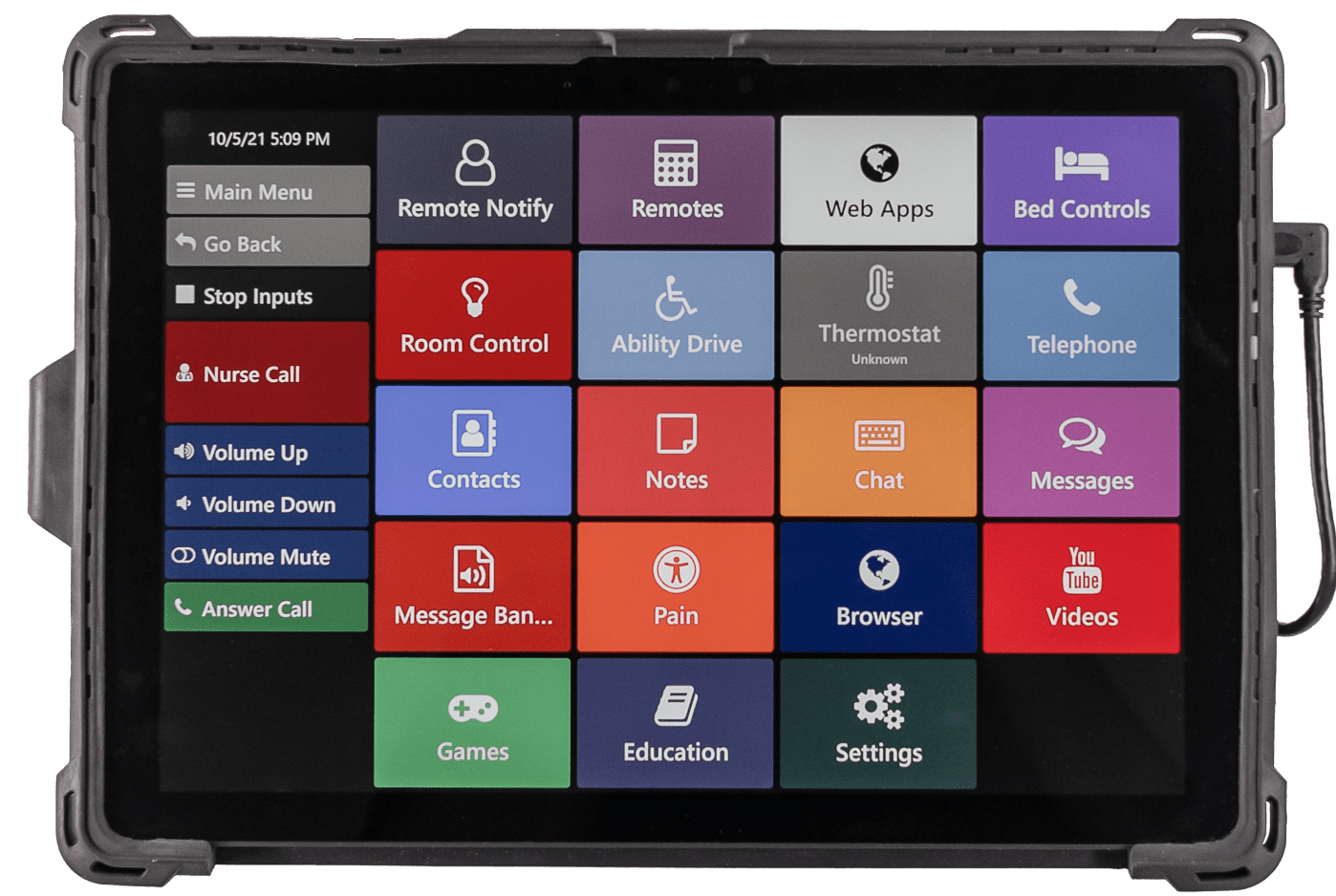
It is one integrated system that lets a person communicate using text-to-speech or pre-recorded messages, control the bed and room environment (lights, doors, blinds, thermostat), use a full computer (web, email, video calls, documents), and control TV and streaming, all from the same screen using the same input method.

Core functions such as AAC, environmental controls, and basic TV control work locally without internet access. Features such as Zoom, web browsing, and some streaming require an internet connection. ASI sets up only the features a given user needs.

When should voice or message banking start for a progressive condition such as ALS?

For a caregiver whose loved one has ALS (Amyotrophic Lateral Sclerosis) or a similar progressive condition and whose speech is changing, banking should start as early as possible, while speech is still clear and strong.

Two related but different tools are available:

  • my-own-voice (Acapela) is a separate add-on that creates a synthetic voice modeled on the user’s own voice from early sample recordings. It replaces generic text-to-speech later.
  • Message Banking (Voice Banking) records actual spoken phrases that play back exactly as recorded. These are stored and used in the AAC/Messages app. No synthetic voice is created.

Caregivers should work with the user’s speech-language pathologist and contact ASI early. Caregivers should not wait until communication becomes difficult.

Is the software the same in hospital versus home settings?

The core software is the same, but hardware integration differs:

  • Nurse Call works with both hospital and home systems, though the connection method varies.
  • Hospital lighting uses low-voltage controllers, while home lighting uses Z-Wave wireless modules.
  • Cell phone pairing is used primarily in home or residential systems. Contacts are added manually in the autonoME Contacts app.

Can the system be used with existing smart home devices?

Most Infrared (IR) controlled TVs, cable boxes, and streaming devices work with the system. Lights, doors, blinds, and thermostats often require Z-Wave compatibility. ASI assesses a caregiver’s existing devices during planning.

What happens if the power goes out?

On residential systems, the software runs on a tablet, and the tablet continues running on its own battery during an outage. The Command Center and other components without battery backup will not work without power. ASI strongly recommends an Uninterruptible Power Supply (UPS) battery backup for these components. Nurse Call may have a separate backup. Caregivers should also keep a simple, low-tech backup communication method available for outages.

What input methods are supported, and how does a caregiver switch between them?

Five primary input methods are supported: touch, voice, switch scanning (including sip-and-puff), eye tracking, and head tracking. Users can switch input methods at any time as abilities or fatigue change.

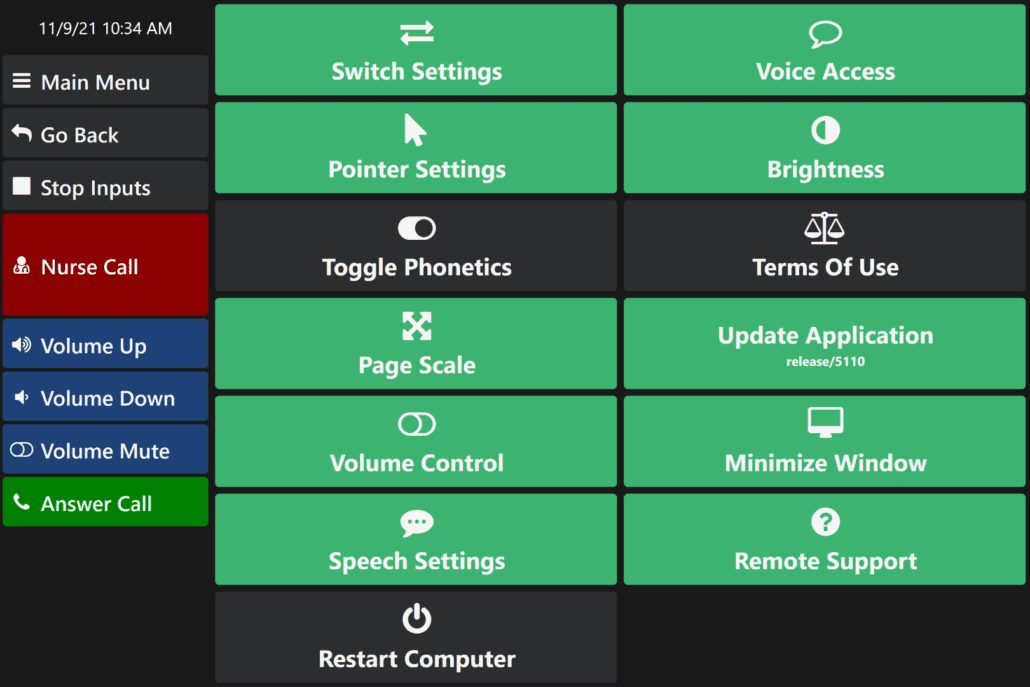
To change or configure input methods, go to Settings. Therapists or ASI support can optimize scanning speed, dwell time, voice sensitivity, and other settings.

What is “Stop Inputs,” and when should it be used?

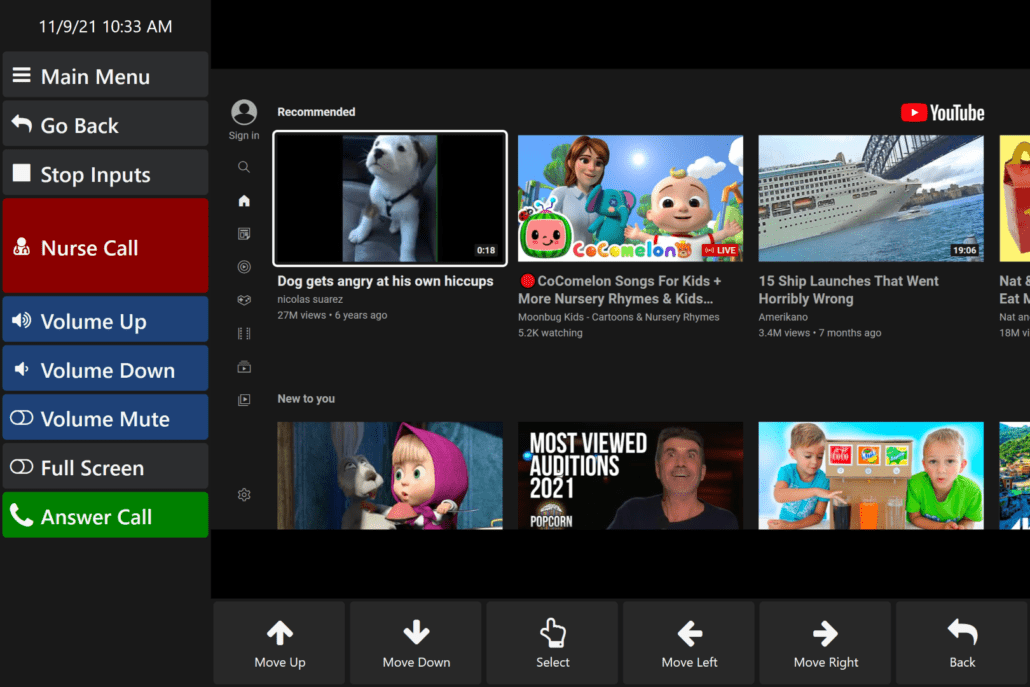
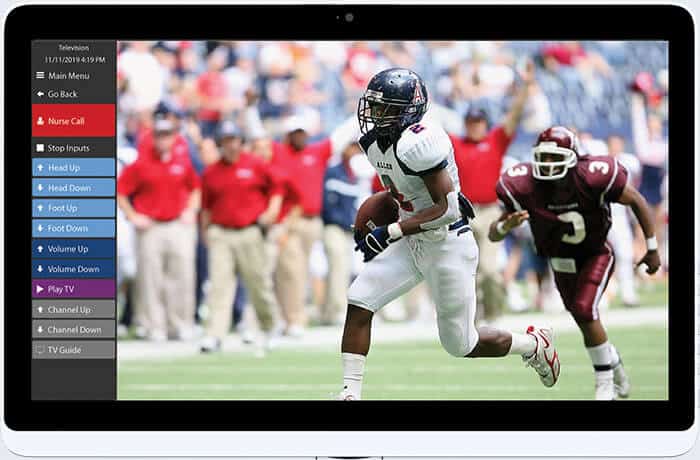
Stop Inputs is a side-panel command that temporarily pauses voice, eye, and head tracking. It is useful for reading without accidental activations or in noisy environments. Nurse Call remains active while Stop Inputs is on. This is a key safety feature.

Is the Nurse Call button always available?

Yes. The Nurse Call button is visible in the side panel from any screen or app, even when Stop Inputs is active or another app is open. It requires a proper connection to the facility or home nurse call system.

How are the bed, lights, doors, blinds, or temperature controlled?

Environmental controls, known as the Environmental Control Unit (ECU), are available in a dedicated section or through an overlay menu during media playback.

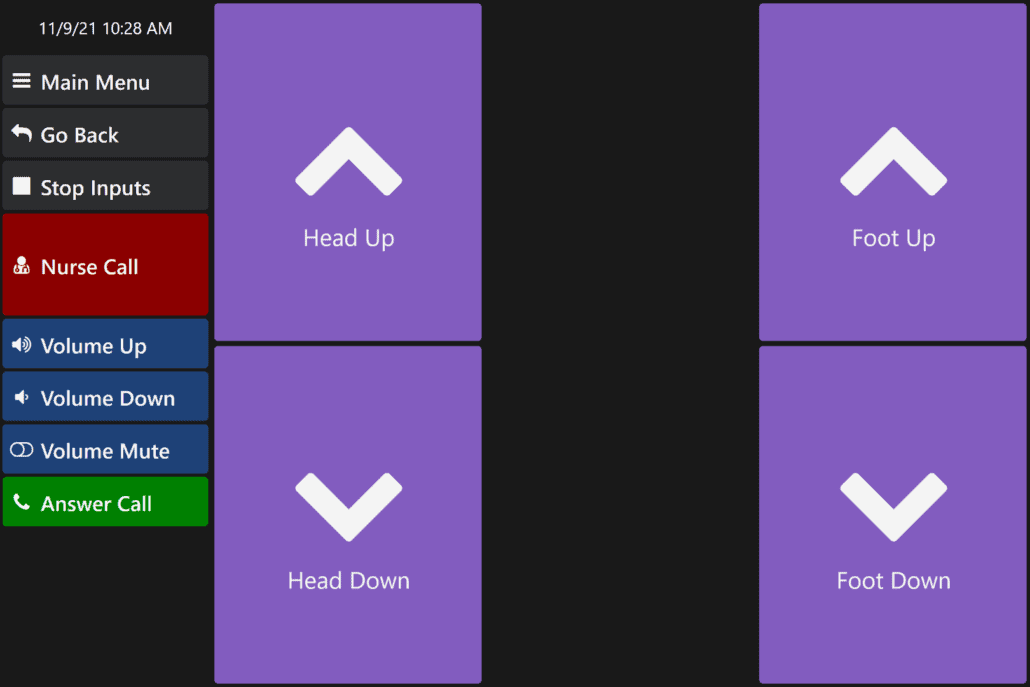
  • The bed can be adjusted for head, foot, and mattress positioning on compatible models.
  • Home lighting and devices are controlled via Z-Wave, Radio Frequency (RF), and the internet.
  • Hospital lighting is controlled through low-voltage controllers.

ASI checks compatibility during installation.

Can the user make phone or video calls?

  • Phone calls are supported through Bluetooth cell phone pairing (used mainly in home settings) or a landline connection through an RJ12 jack.
  • Video calls use the built-in Zoom app, which requires a Zoom account to start calls. Input methods work inside Zoom.

How does TV and entertainment control work?

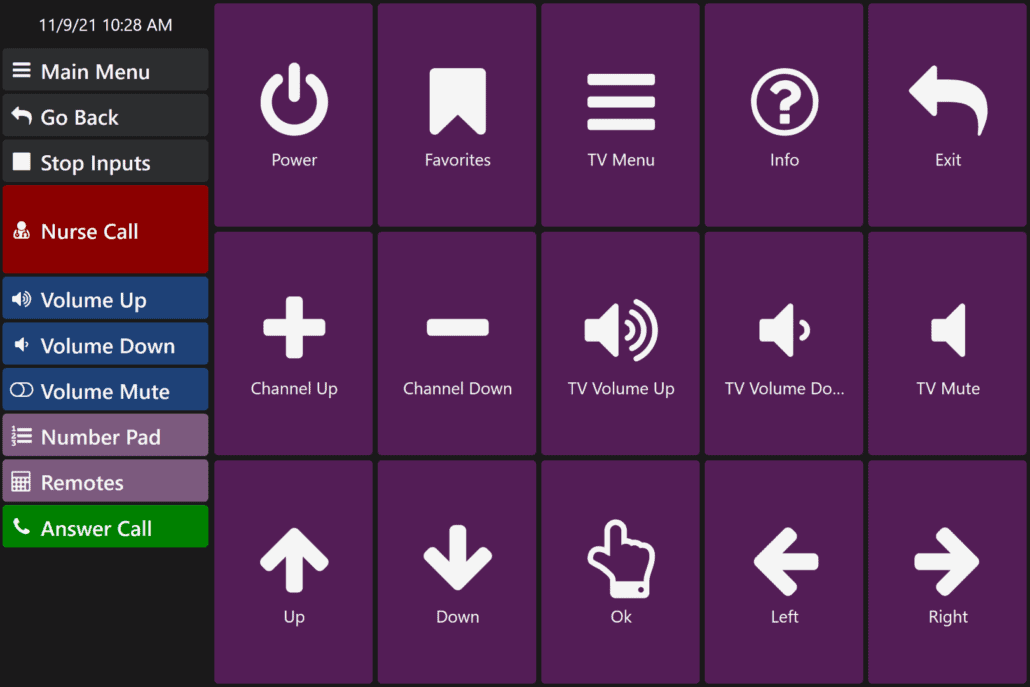
The system integrates with most IR-controlled TVs, cable boxes, and streaming devices, including Roku, Fire TV, and Apple TV. An overlay menu allows environmental adjustments without exiting media. Caregivers should discuss specific devices with ASI for compatibility.


How customizable is the interface?

The interface is customizable. Caregivers can rename buttons, rearrange message categories, copy and paste phrases, and adjust speech rate, among other changes. In clinical settings, use the Delete User command to reset the system for the next patient. For complex changes, schedule a remote session with ASI.

What training and support is available?

ASI offers tailored remote and on-site training for both professional staff and family caregivers. Many issues are resolved in one or two sessions. Contact ASI support to schedule training.

What happens to personal data at discharge or when a system is reassigned?

In facilities, use the Delete User command to clear all user data and reset the system to defaults. In home settings, data can be kept, archived, or reset with ASI’s help.

How is privacy protected?

The software does not automatically transmit data externally and does not connect to hospital Electronic Health Record (EHR) systems. Data stays local to the device. Caregivers with specific Health Insurance Portability and Accountability Act (HIPAA) questions should contact ASI.

What is Remote Notify?

Remote Notify is an optional feature that lets the user send a text message requesting assistance to a pre-configured number. It is set up during installation.

What is Join-In Pro?

Join-In Pro is a toolbar with quick access to popular sites and apps, including Gmail, Facebook, WhatsApp, YouTube, Netflix, Kindle, and games. Users sign into individual apps with their own accounts.

What games are available?

Built-in games include Hearts, Solitaire, Spider Solitaire, Chess, and Free Cell. More options are available through Join-In Pro.

What is Ability Drive?

Ability Drive is an optional feature that allows eye-gaze control of powered wheelchairs using separate hardware. Caregivers should contact ASI for details.

What language support is available?

The system currently supports English only.

Final Notes for Caregivers

This technology works best through collaboration between the clinical team, family, and ASI. Caregivers should reach out early for adjustments as abilities change. Small changes, such as scanning speed, button size, or new phrases, can significantly improve daily quality of life.

Caregivers do not need to become technology experts. ASI supports both the user and the caregiver. For questions specific to a particular installation, contact ASI technical support using the information at the beginning of this document.

Ready to set up a complimentary demonstration and consultation?