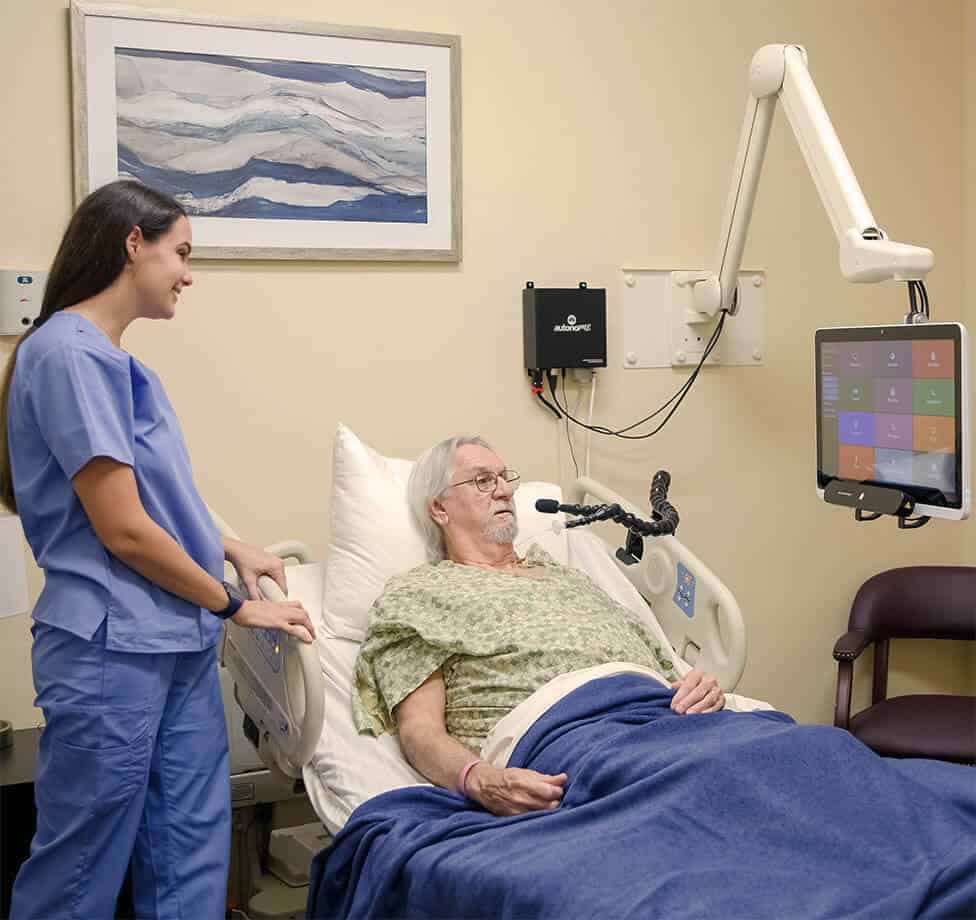
Yes, the autonoME system offers meaningful customization at both the patient and staff level, ensuring each person gets the most out of the system regardless of their abilities or condition.
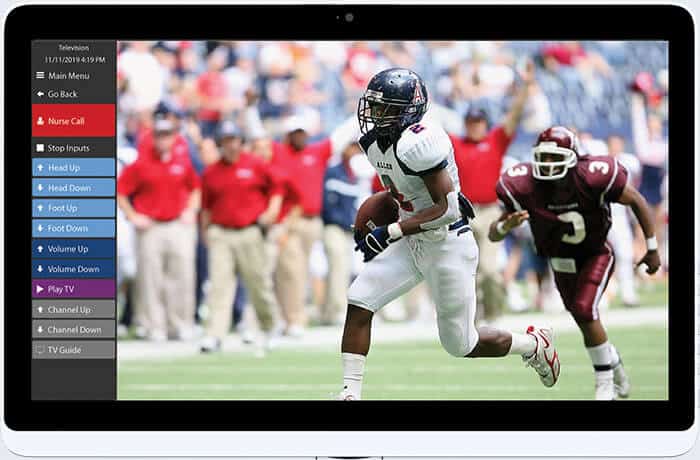
At the patient level, individuals can adjust volume directly from the side panel, which always remains visible. Patients using eye gaze can also self-calibrate from within their settings, allowing them to fine-tune tracking to their comfort without needing staff assistance.
The Admin Panel gives clinical staff a full range of configuration options tailored to each individual patient. This includes:
- Application Manifest: Staff select exactly which apps appear on a patient’s main menu, keeping the interface focused and uncluttered based on that individual’s needs.
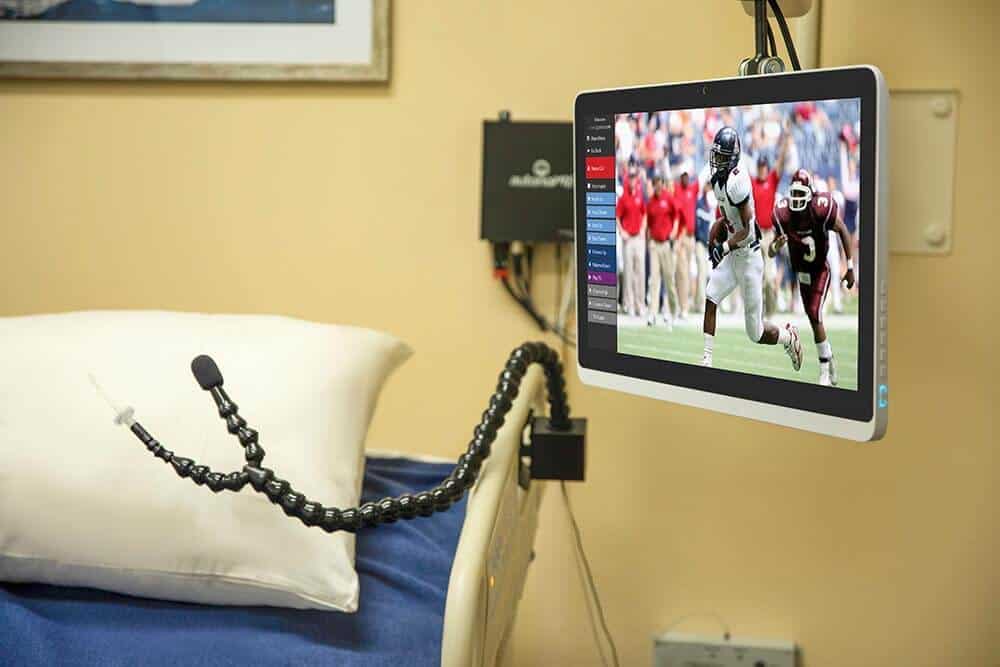
- Input method settings: Scan speeds, dwell speeds, switch scanning behavior, and pointer settings are all fine-tuned to match how a patient moves and responds.
- Bed control timing: The duration of each bed movement command can be adjusted in milliseconds to suit a patient’s comfort and safety.
- Voice profile setup: If voice access is being used, a speech recognition profile can be created and trained specifically to that patient’s voice.
When a new patient is admitted, staff use the Delete User function to clear the previous patient’s settings and start fresh, ensuring every patient begins with a clean, properly configured system.
ASI works directly with nurses, physical therapists, occupational therapists, and other designated hospital staff during installation and setup to ensure the system is configured appropriately from day one.